

How to Post Live Updates
Live Updates are designed to be fast, simple and useful.
Do not reply to this instruction topic.
To post an update, go to Sex & Nightlife and click Add Topic.
Create a new topic for every new promotion or meaningful venue update.
Every new topic appears at the top of the forum. Every new reply also pushes that topic back to the top.
Choose a Good Topic Title
Include your venue name and the main news or offer.
GOOD:
BOSS Massage Bangkok – 6 New Girls & Special Promotion
GOOD:
Heal Nuru Bangkok – New Weekend Lineup & Special Prices
Avoid vague or quickly outdated titles such as:
BAD:
Special Promotion Tonight
BAD:
Friday Update
BAD:
Promotion August 28
Do not put dates or times in the topic title. The forum automatically shows when every post was published.
Then add your promotion, lineup information, images and other details.
Images can be inserted anywhere in your topic by copying the image URL from your website and pasting it exactly where you want the image to appear.
What You Can Post
-
New girls
-
Current lineups
-
Special prices
-
Discounts and coupons
-
Events
-
Promotions
-
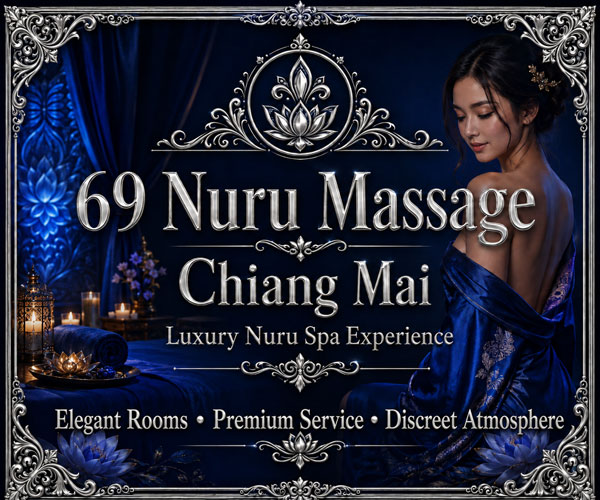
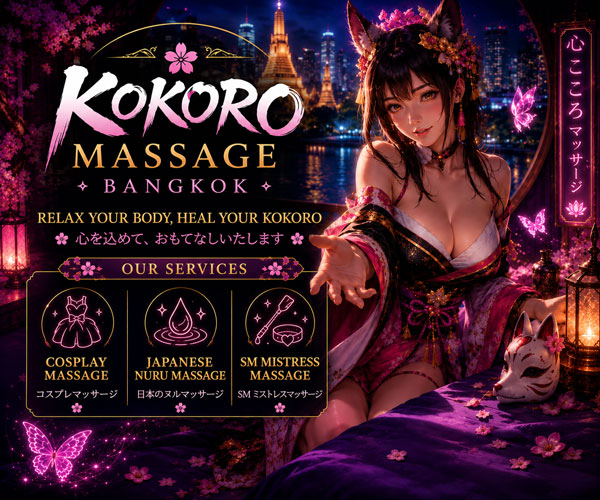
Promotional images
-
Other timely venue news
Venue promotional posts may include your normal website, LINE information, QR codes and contact details.
One promotion or announcement should normally be one topic, even if it contains several details.
New Topic or Reply?
New promotion or major update: Create a new topic.
More information about the same promotion: Add a reply to the existing topic.
Small correction: Edit your post if editing is still available. Otherwise, add a reply.
Keep updates short and easy to read. A few promotional images are enough.
Post as often as you want.
Visitors can also post firsthand updates and observations, but visitors cannot upload images.
Please read the Rules before posting.
Ready to Post?
Go to Sex & Nightlife and click Add Topic.